

Overview
Fordeer Invoice can generate your billing documents in 15+ languages. You can set one default language for all documents, or let the app generate each customer’s documents in their own language automatically.
1. Set the default language
-
In the app, go to Settings → Languages.
-
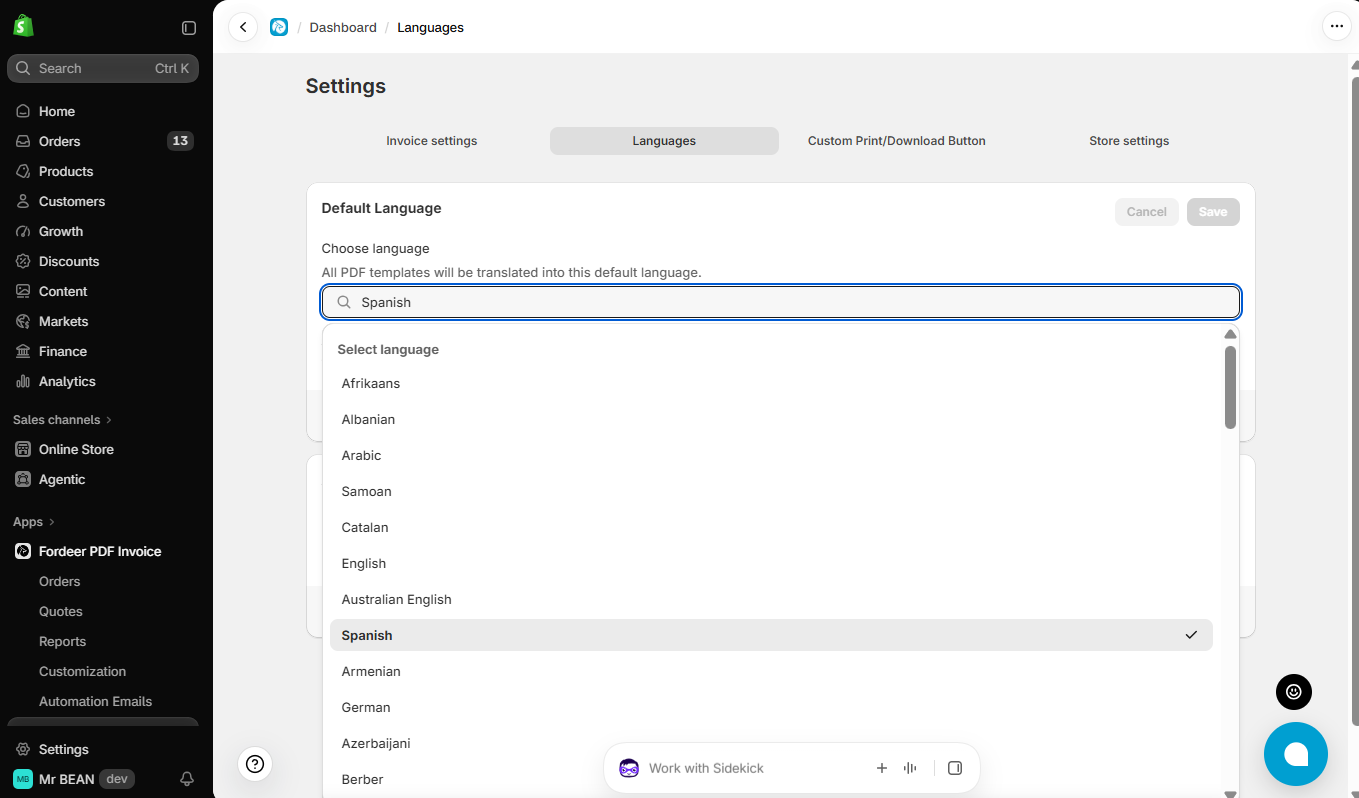
In Default language, choose the language you want your documents to use. The dropdown shows the full list of supported languages.
-
Click Save.
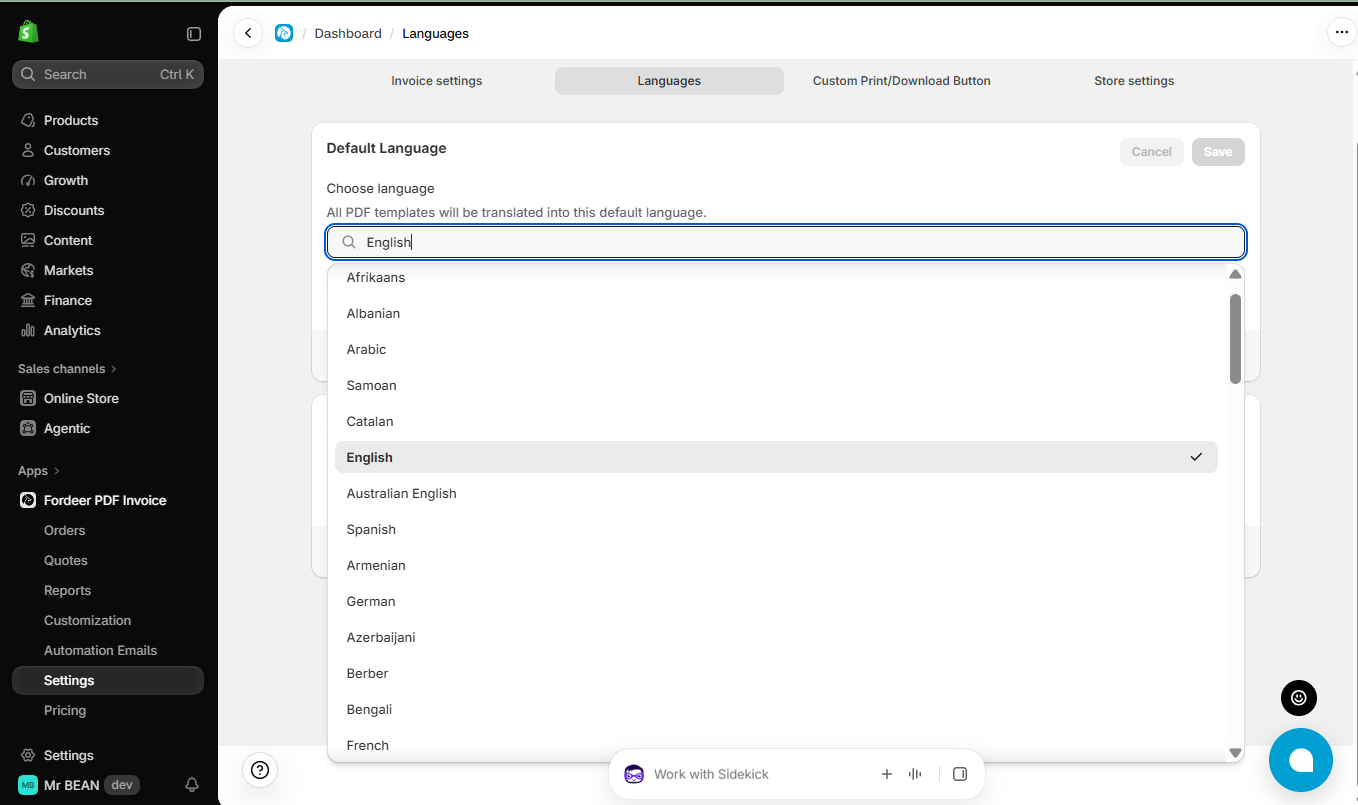
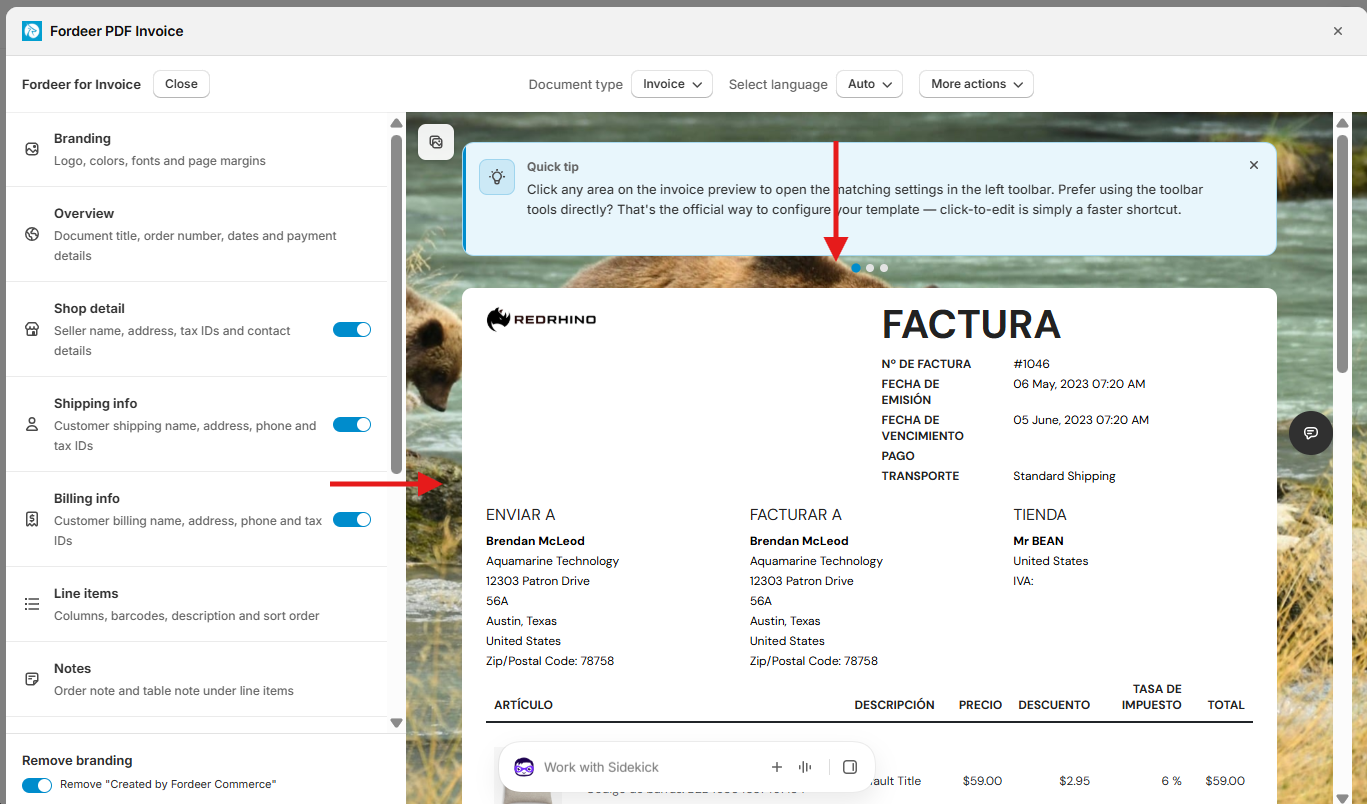
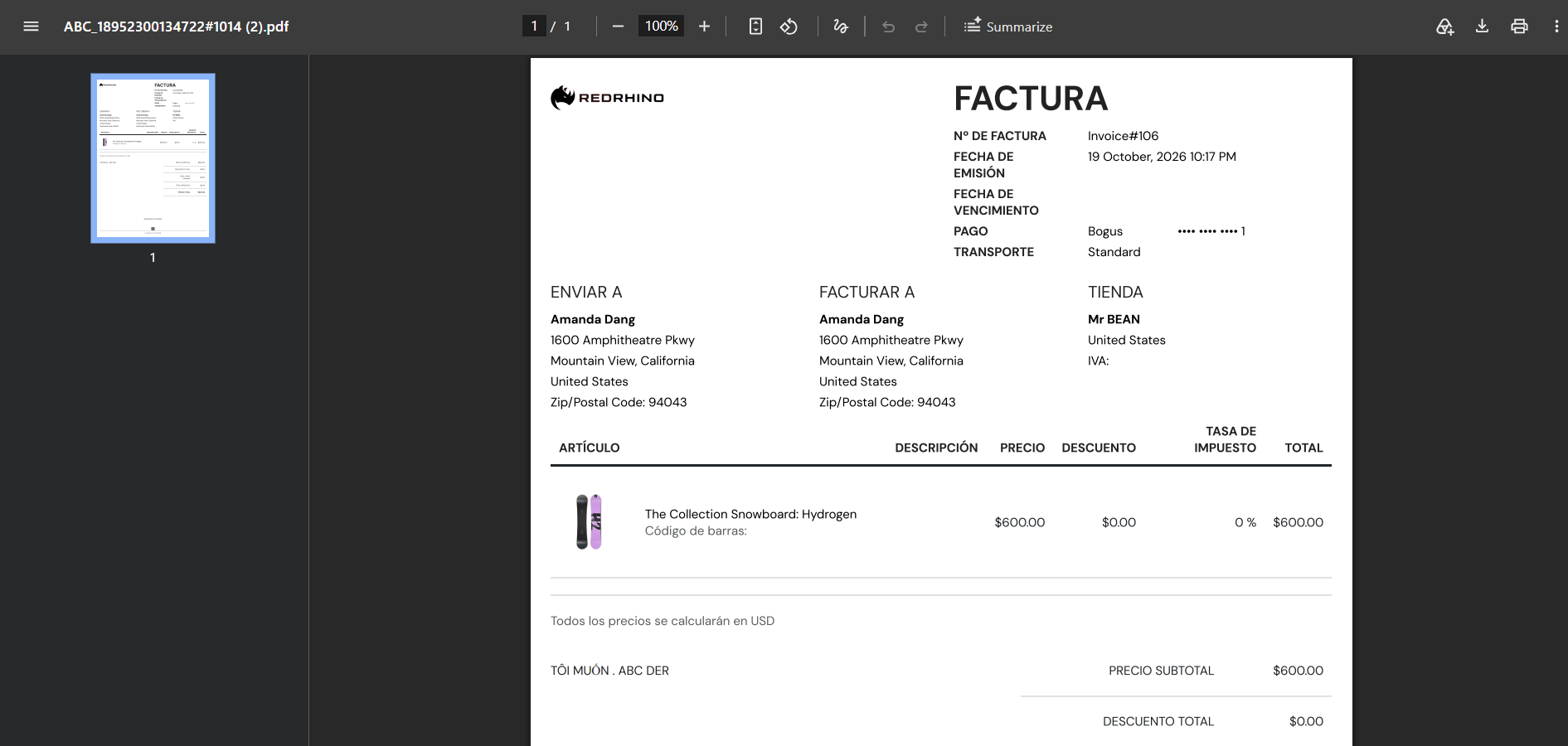
All PDF documents will be generated in this language, unless Auto-detected customer language is turned on.
Example:
2. Translate documents into each customer’s language
Turn on Auto-detected customer language to generate each customer’s documents in their own language.
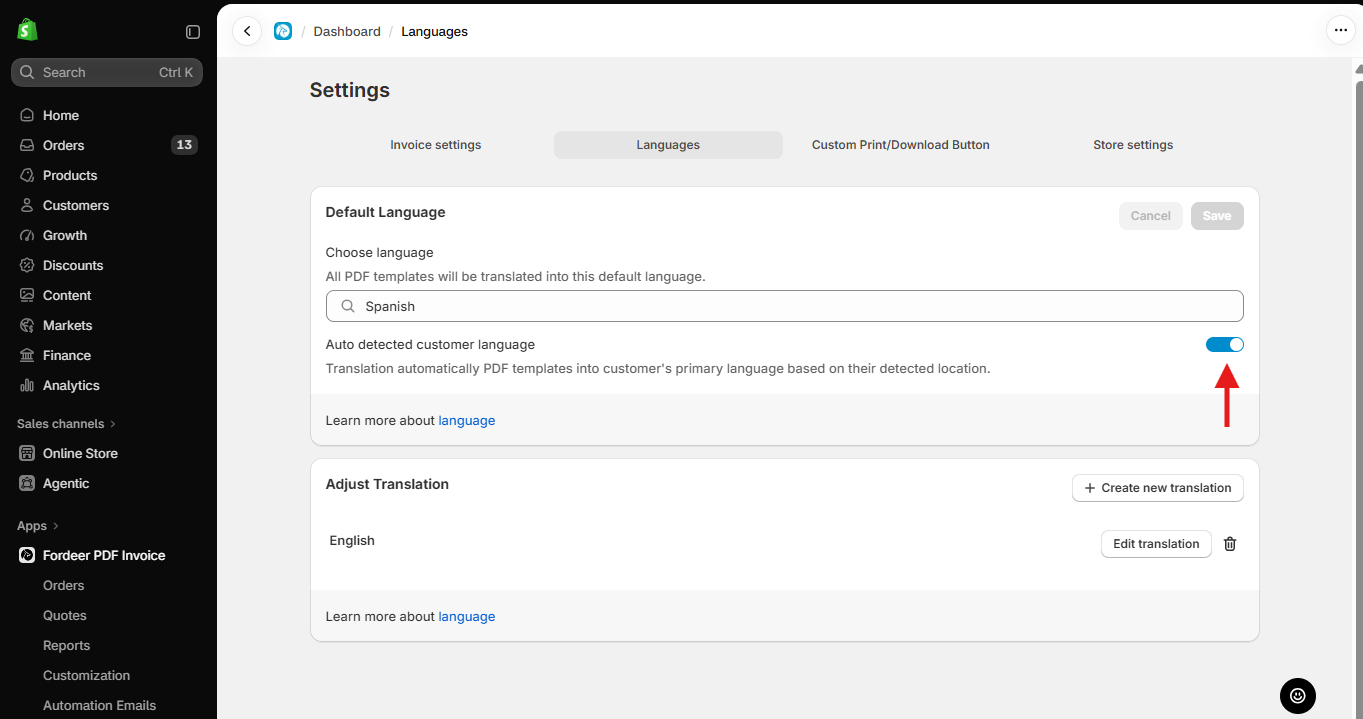
The app uses the language saved on the customer’s profile in Shopify, the same language Shopify uses for their notification emails.
To check or change a customer’s language:
-
In Shopify admin, go to Customers and open the customer.
-
Under Contact information, find Will receive notifications in…
Good to know:
Shopify updates a customer’s language based on the language they use at checkout. If a customer places a new order in a different language, all their documents, including those for earlier orders, will be generated in the new language.
If the customer’s language isn’t supported, documents are generated in your default language.
3. Want to change specific wording?
Use Adjust translation to edit any text in any language, for example, changing “VAT” to “ABN”.
We value your feedback — it helps us continuously improve app and provide you with a better experience.
👉 Chat with us: Share your feedback directly with our team.
👉 Explore more apps: Discover more Fordeer apps. special deals.
🕐 Working hours: 8:30 AM – 5:00 PM (UTC+7), Monday–Friday.
We typically reply to live chats within minutes and emails within a few hours.
Need help? Feel free to reach out anytime via live chat or email!